
Finding your Pardot Business Unit ID
How to find your Pardot Business Unit ID to authenticate with Justuno.
Authenticating with Pardot requires entering your Business Unit ID. You can find it by following the instructions below:
1. Log into Salesforce using the same account you use to log into Pardot
2. Go to Setup > Pardot > Pardot Account Setup
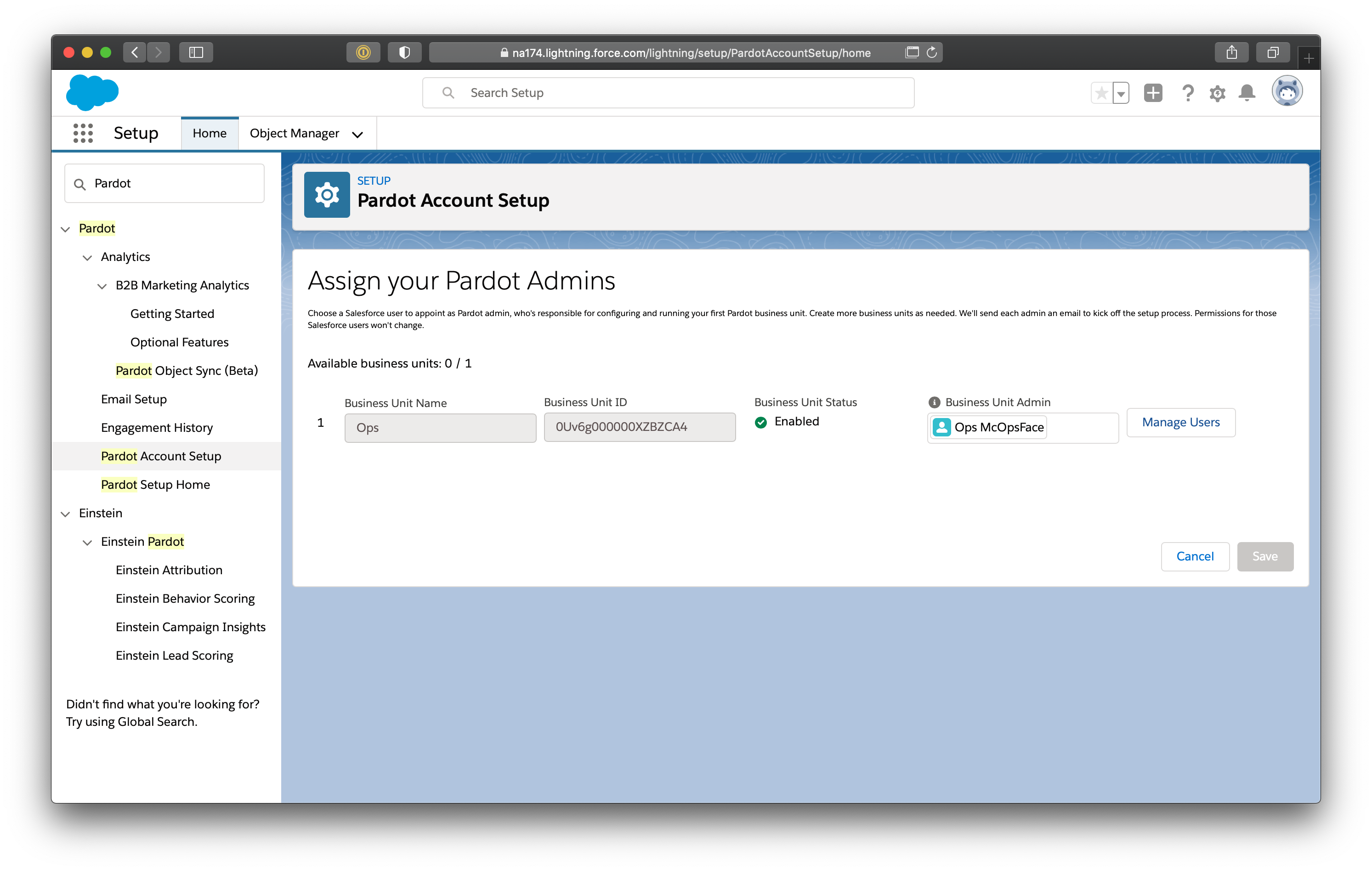
3. You may have multiple Pardot business units. Use the Business Unit ID of the one you want to connect with Clearbit, and enter it into Pardot for Clearbit.